Sort and organize your photo gallery
AI Gallery is a free photography app that offers users a more streamlined way to collect and manage photos and videos. Unlike your device’s built-in photo gallery, this app provides several useful features that let you clean up any unwanted media, edit your photos, and even create a unique puzzle out of your own images.
Top Recommended Alternative

As the name suggests, AI Gallery makes use of artificial intelligence to help you sort out your photos. This allows you to find low-quality and duplicate images in a snap, which can be quite helpful when you have a sizable library of saved photos.
Keep the best pics
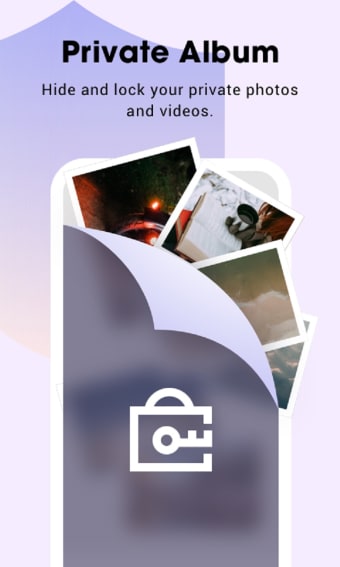
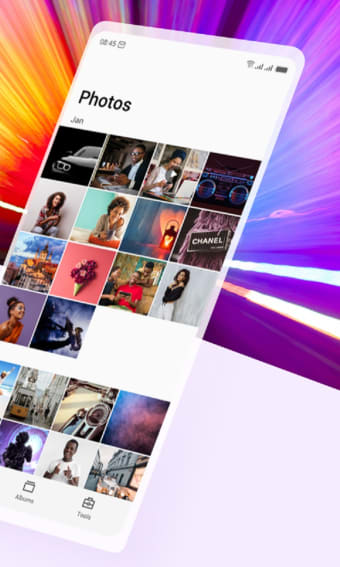
Boasting a sleek and user-friendly interface, this media management application offers a simple yet structured way to manage photos and videos. One of the standout features of AI Gallery is its efficient album classification process, which allows you to select multiple images from the app’s home page and arrange albums in a manner that works for you. You can even create a private album with a lock for only your eyes to see.
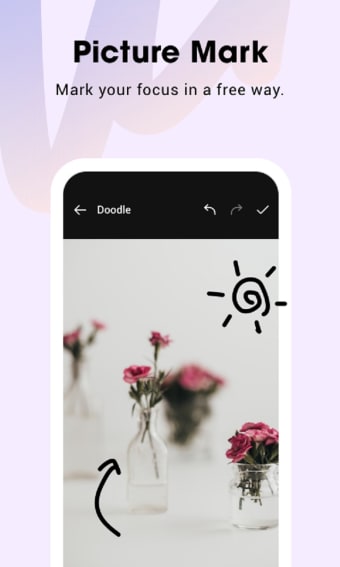
The comprehensive picture editing tools enable you to retouch and enhance your photos within the app, as well. Users can add their own watermarks so that their intellectual property can clearly be identified. Best of all, the app’s AI tool makes it easier to eliminate dark and blurry photos, as well as multiple copies of the same image. This tool also finds large files and helps you enable HD lossless compression to save storage space.
Despite its impressive array of features, though, numerous user experiences have taken a downturn due to persistent bugs. Users have reported frequent issues with sluggish loading times and unexpected crashes while navigating the app. There have also been reports of the app displaying an error claiming that some photos “could not generate a thumbnail,” even when connected to a stable internet connection.
A simple solution
Overall, AI Gallery provides an array of valuable features, from efficient album classification to picture editing and innovative puzzle creation, making it a standout choice among other similar applications. The app’s usage of an AI tool also makes it ideal for decluttering large and messy photo libraries. However, the app's potential is hindered by persistent bugs, including slow loading times and a high frequency of app crashes.